NTFS Permissions Report
Description
Section titled “Description”The NTFS Permission Report is designed to quickly analyze and report file system permissions across Windows directories and shares. It scans selected folders and subdirectories, retrieves their NTFS access control lists (ACLs), and presents the effective permissions for users, groups, and system accounts.
This tool is ideal for system administrators, security auditors, and IT professionals who need to identify access issues, verify compliance, or troubleshoot permission-related problems. Results can be exported for documentation or further analysis, making it easy to review who has read, write, modify, or full-control rights across your file system.
Features
Section titled “Features”- Scan selected directories, drives, or entire file system
- Retrieve ACLs (Access Control Lists) for folders
- Display inherited vs. explicit permissions
- Show permissions for users, groups, and built-in system accounts
- Generate detailed permission reports in formats such as CSV, Excel, or PDF
- Identify orphaned SIDs or unresolved identities
- Display group members
- Filter results by user, group, permission type, or folder depth
- Customizable columns and report fields
How to
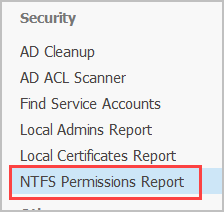
Section titled “How to”Step 1. Click on “NTFS Permissions Report”
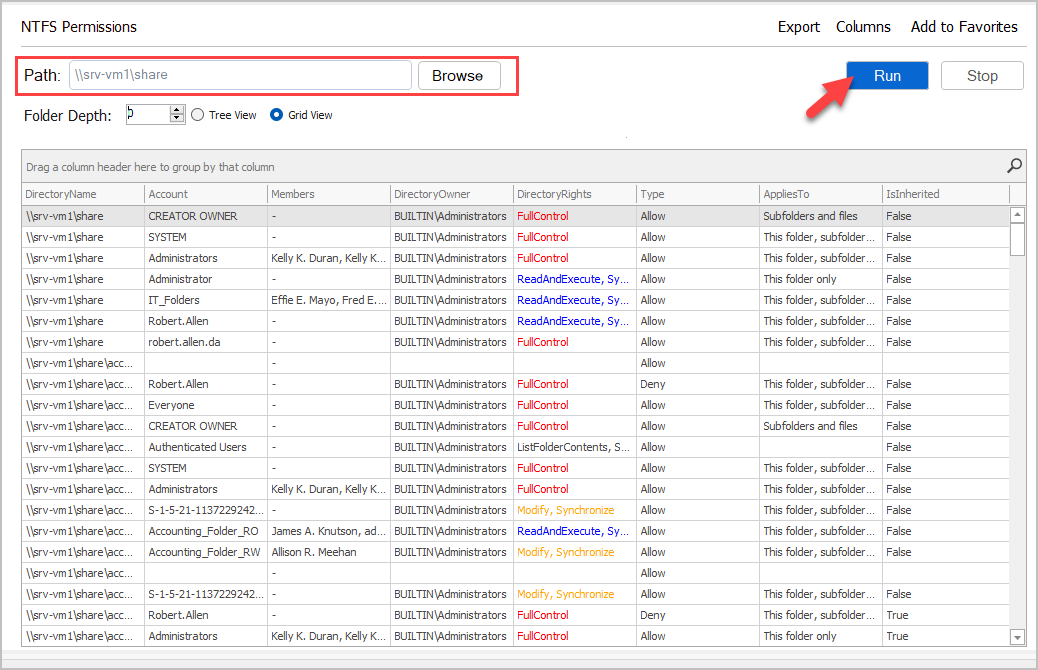
Step 2. Enter Folder Path and click “Run”.
Note: You can enter a shared folder path or click “Browse” to select a local folder or drive.
Step 3. Search and Filter
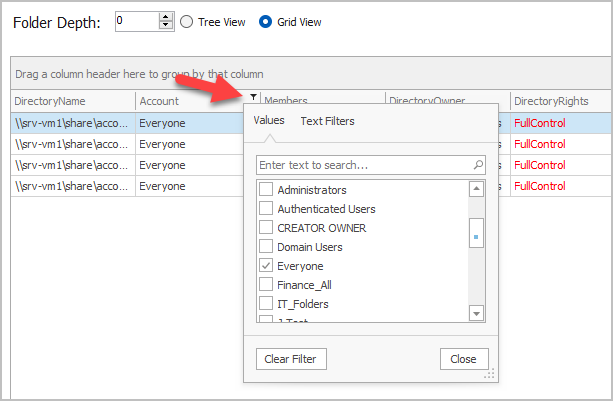
You can sort, filter and search on any column.
For example, I’ll click the Account column and filter for a specific group.