Bulk Update Active Directory Group Members
Description
Section titled “Description”The Active directory group update tool is designed to efficiently modify group properties and manage group membership in bulk. Using structured data from CSV files, the tool updates key Active Directory group attributes—such as group name, description, email address, scope, and type—while also adding or removing members in bulk. This tool significantly reduces the time and manual effort required for group administration, providing IT teams with a consistent, reliable, and repeatable method for managing group properties and memberships.
Features
Section titled “Features”- Bulk upgrade group properties
- Add mulitple users to groups at once
- Bulk Add ore remove users to groups
- Remove multiple users to groups at once
- Change multiple group properties at once such as description, managed by, mail, target address and proxyaddresses
How to Update Group Members
Section titled “How to Update Group Members”In this section, I’ll walk through bulk adding and removing users to group.
Step 1. Click on “Update Groups”

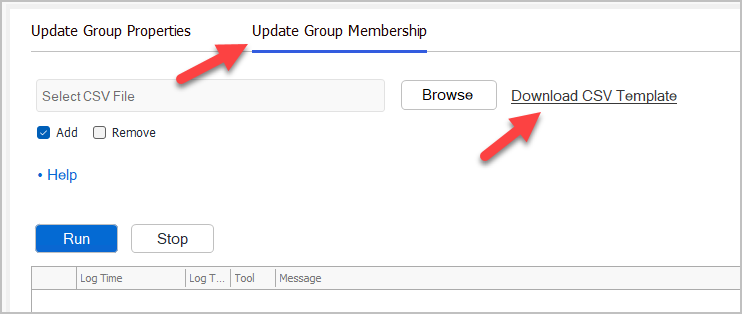
Step 2. Click on “Udate Group Membership” then click on “Download CSV Template”
Step 3. Enter group and user details into the csv
The csv only has two columns:
- sAMAccountName
- The user account you want to add or remove to groups
- memberof
- The name of the groups, comma seperated
CSV Example
Section titled “CSV Example”In the example below you can see the user “test.user1” will be added to 5 groups.

Step 4. Select your CSV file and update option (Add or Remove)
In this example, I’m going to select “Add” to add the users in the csv to the groups.
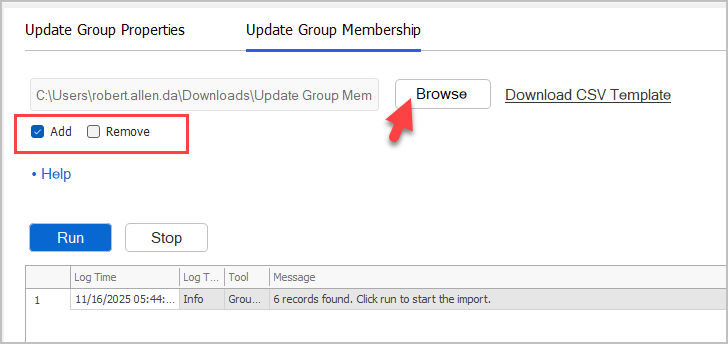
Click “Run” to start the update.
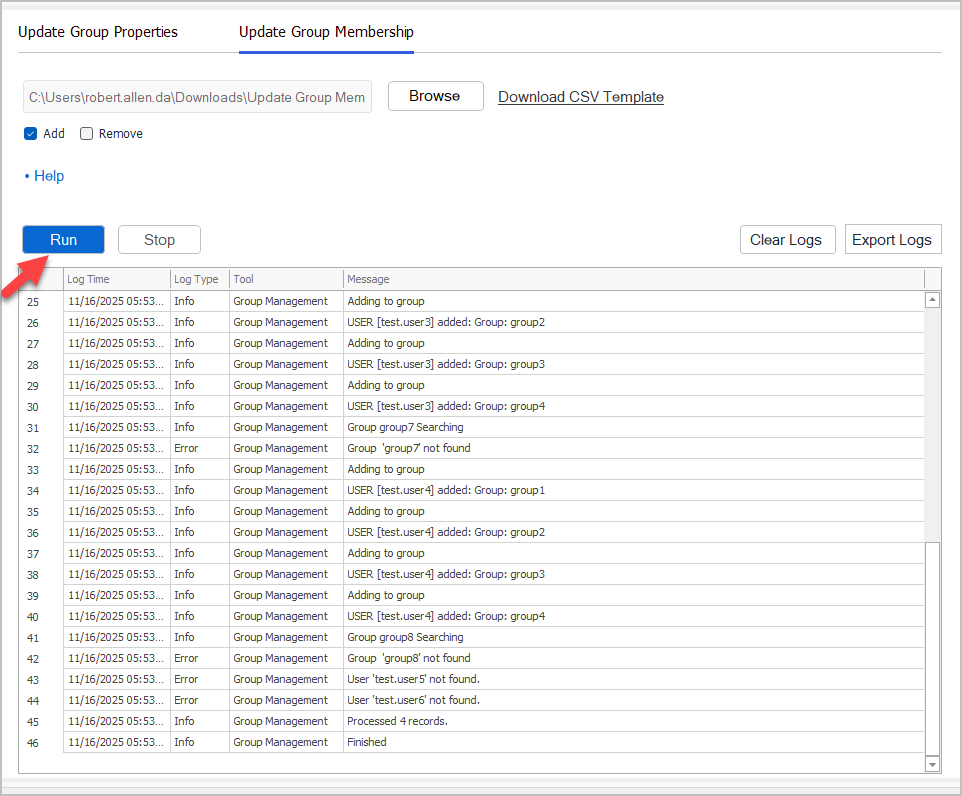
Check the logs for any errors. This will let you know if any groups did not update.